
[Pre-claude] Identify risky and sensitive users | Entitle Pathfinder
Utilize Entitle and Identity Security Insights to identify security risks and sensitive users. Entitle displays risk and sensitivity scores directly on users, accounts, and resources. You can spot overprivileged identities, toxic permission combinations, and sensitive access in Permissions, then jump into Identity Security Insights for full detection detail.
| Title | Definition |
|---|---|
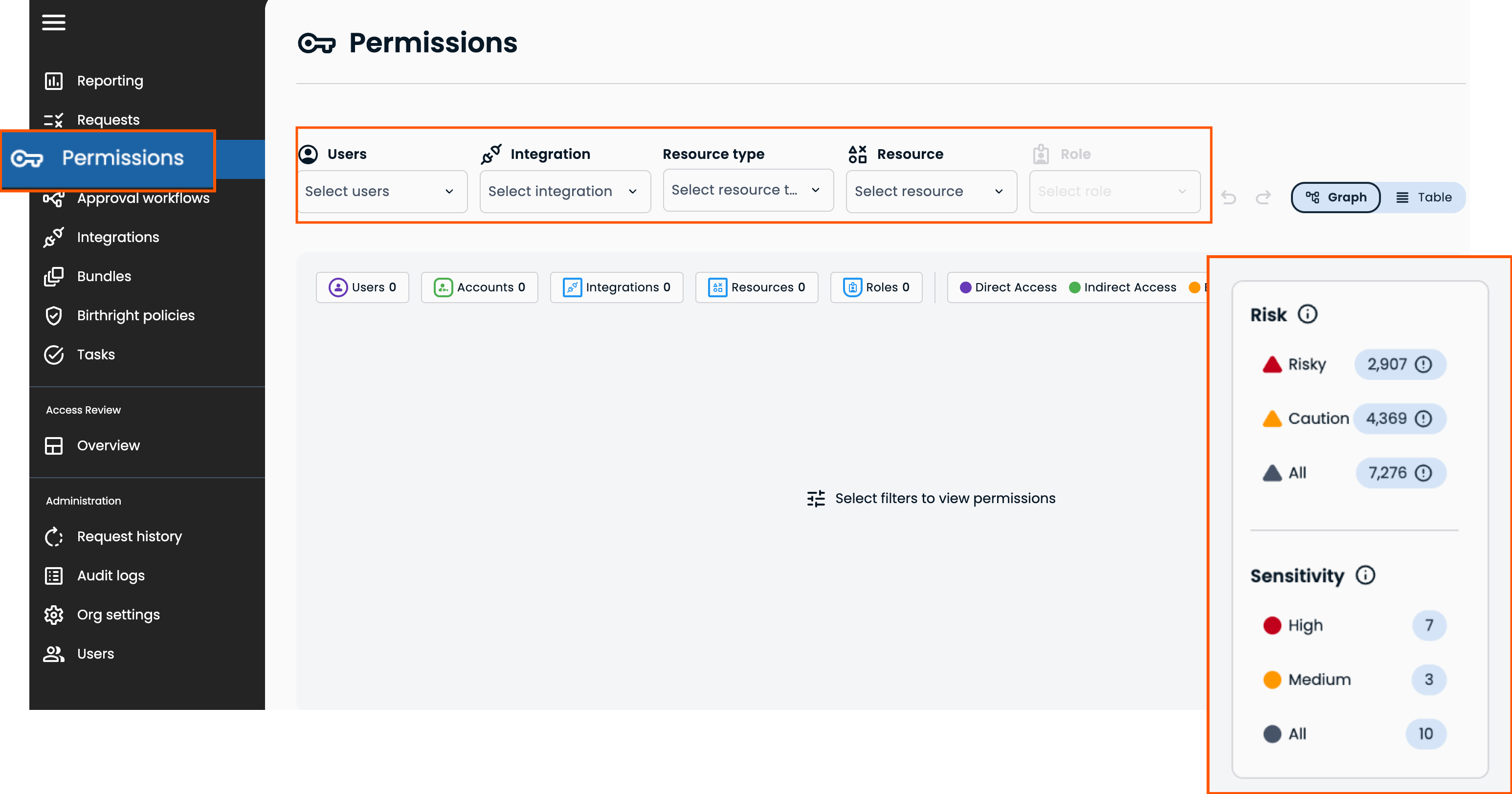
| Risk: Risky | The highest severity among the user's account's open security detections from BeyondTrust Identity Insights is 4(critical) or 3(high). |
| Risk: Caution | The highest severity among the user's account's open security detections from BeyondTrust Identity Insights is 2(moderate) or 1(low). |
| Sensitivity: High | The highest privilege level across all of the user's accounts is 4(highest) or 3(high). |
| Sensitivity: Medium | The highest privilege level across all of the user's accounts is 2(moderate) or 1(low). |
Prerequisites
Entitle and Identity Security Insights license on the Pathfinder platform.
Process
Graph view
- In Entitle, navigate to Permissions. Select a Risk or Sensitivity tier to review the users in that tier (Entitle can display up to 250 users at once). You can filter the graph to focus your search.
- Hover over the risk and sensitivity indicators on a user to review the details.
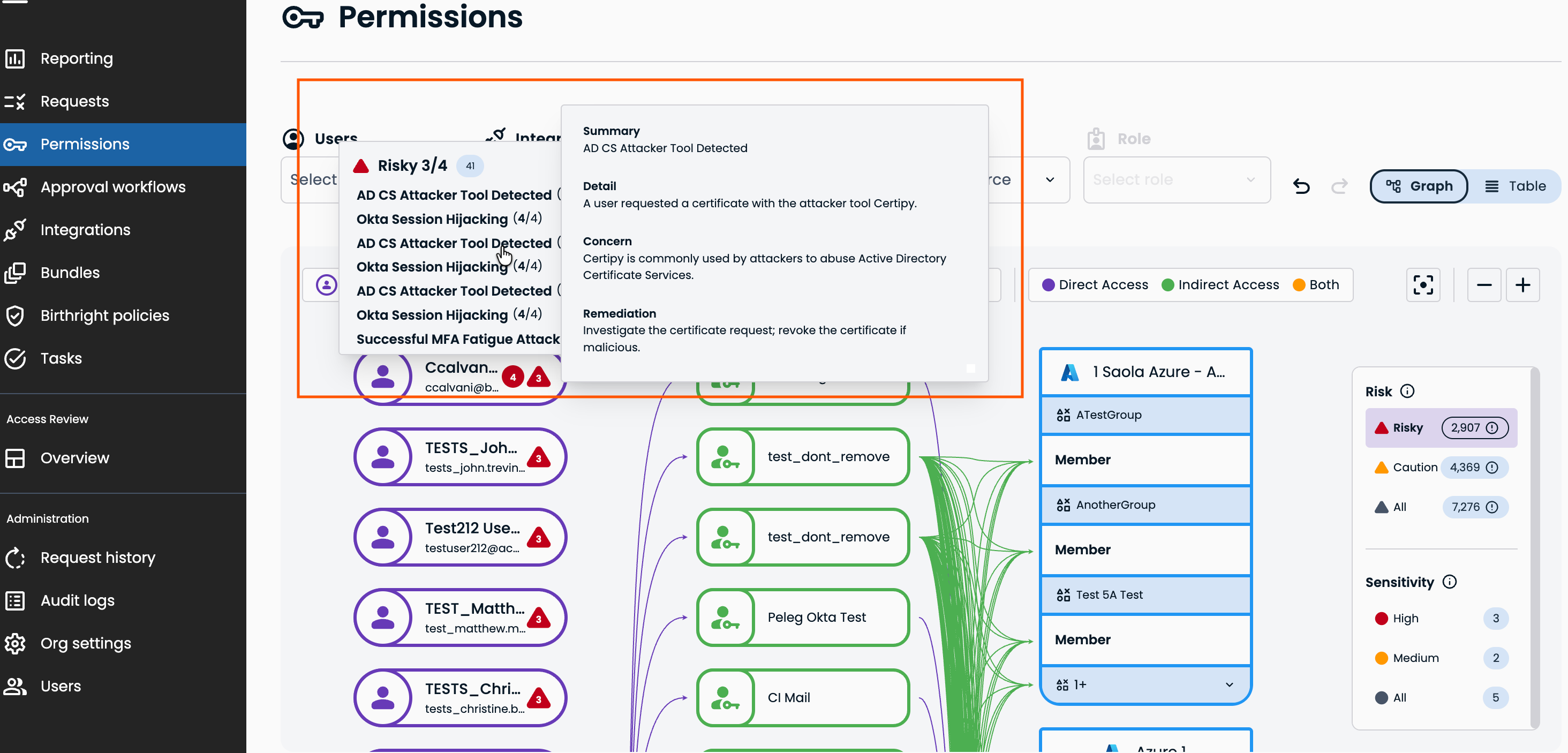
- Click a risk detection to review its details in Insights.
Click the sensitivity indicator to view the identity's profile in Insights.
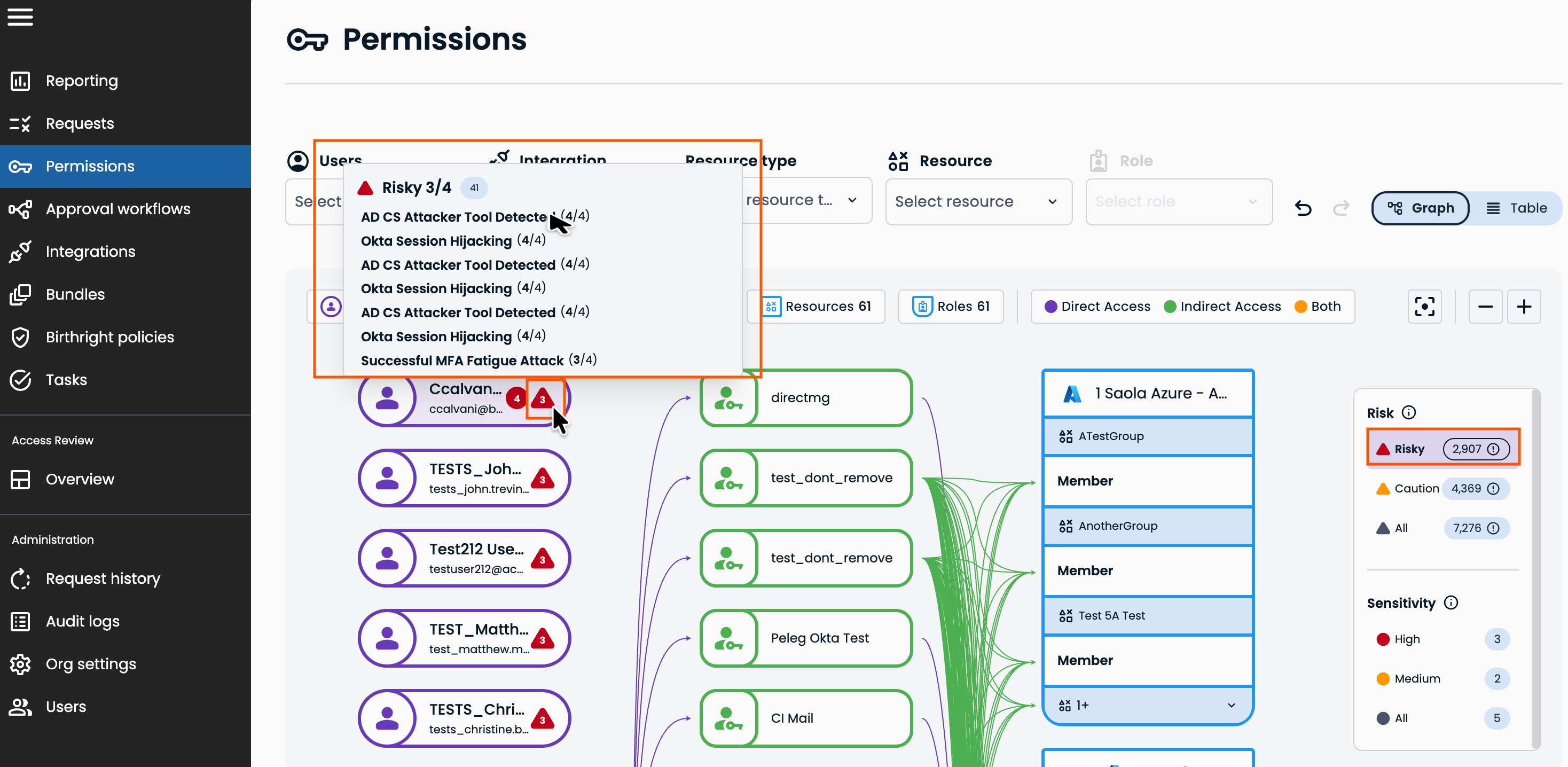
Table view
-
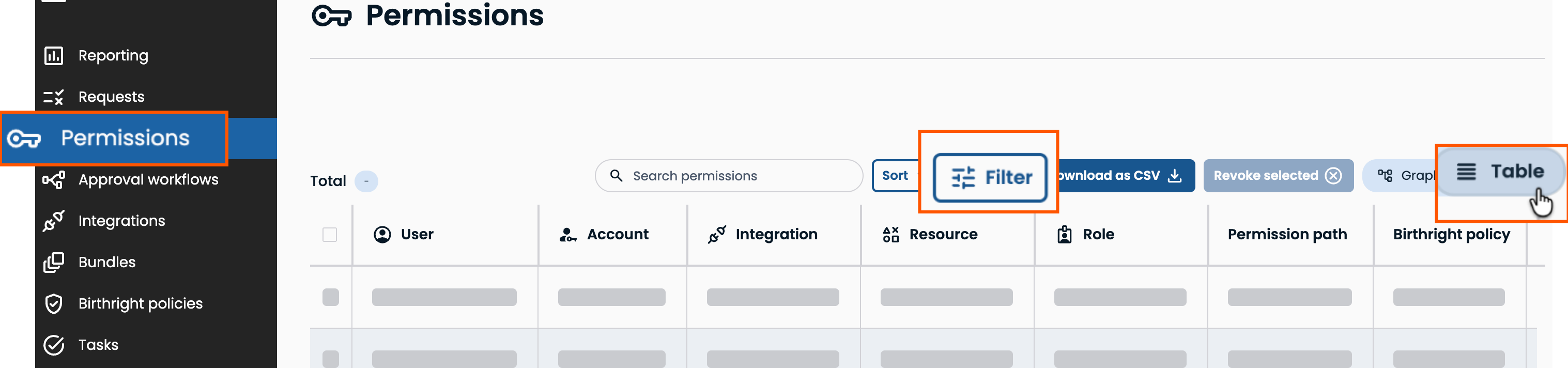
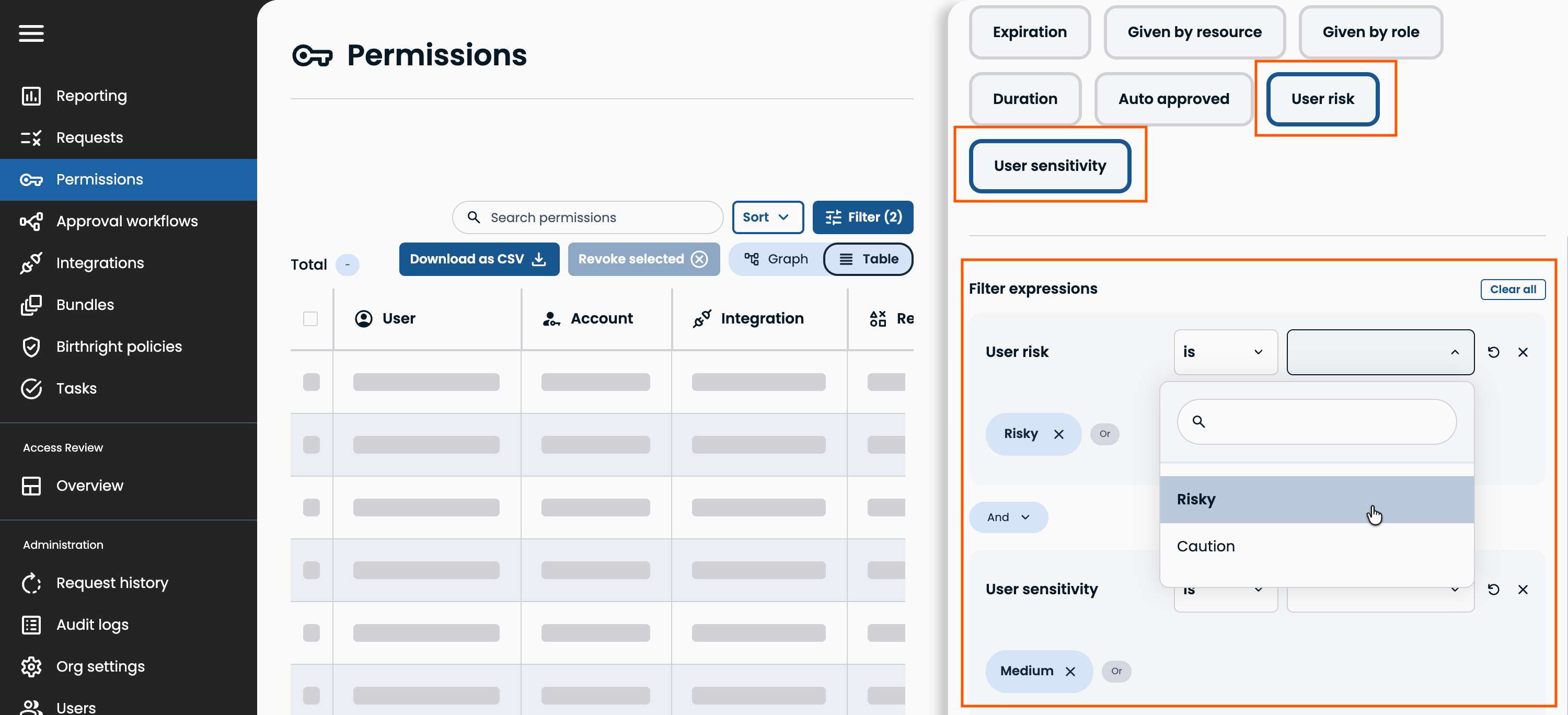
In Entitle, navigate to Permissions, then select Table and Filter.
-
Click on User risk or User sensitivity, then complete the user expression.
Updated about 2 months ago
Did this page help you?
