
Create personal access token | Entitle Pathfinder
A personal access token (PAT) is a credential tied to your own Entitle user account that you use instead of your regular login to authenticate API and CLI requests.
Prerequisites
- An Entitle user account.
Create a personal access token
-
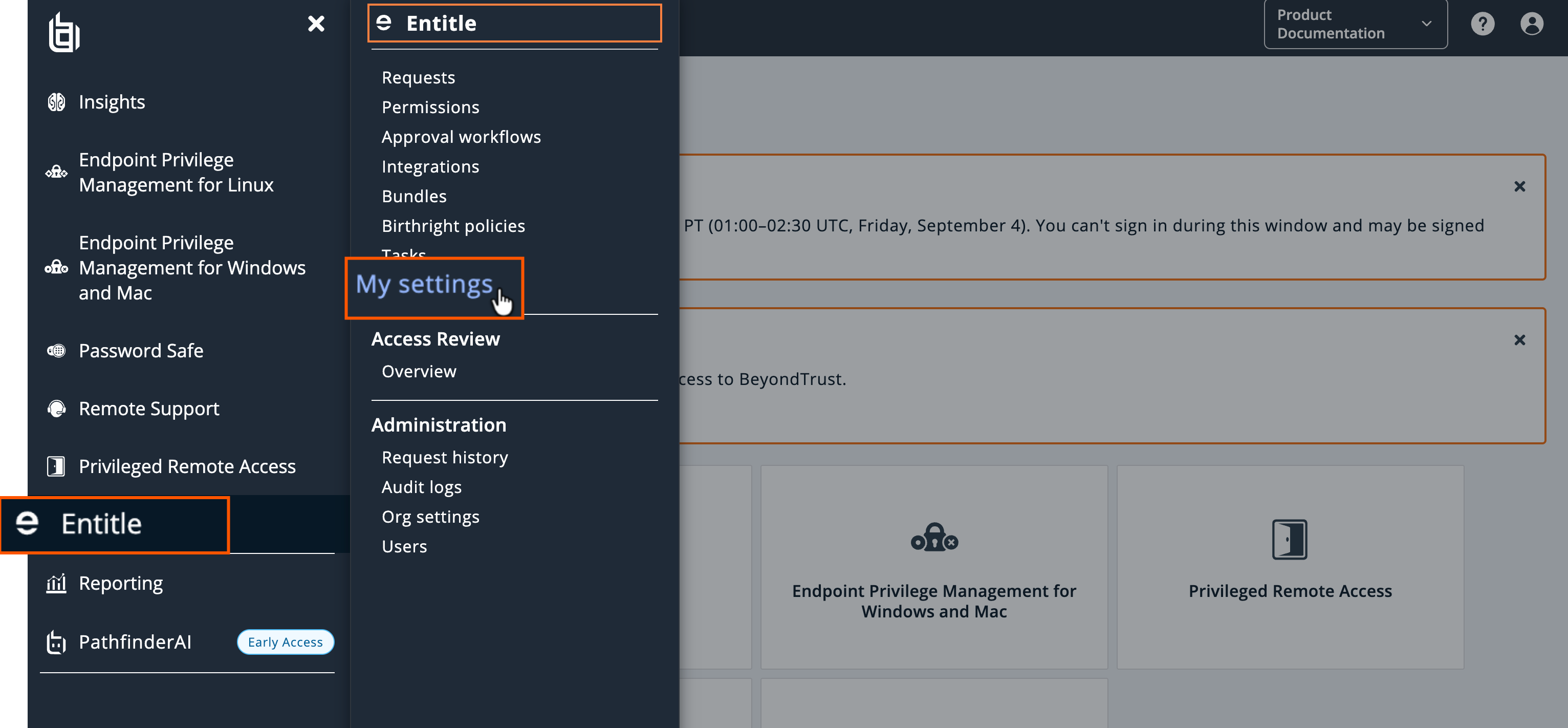
In Entitle, click My settings.
-
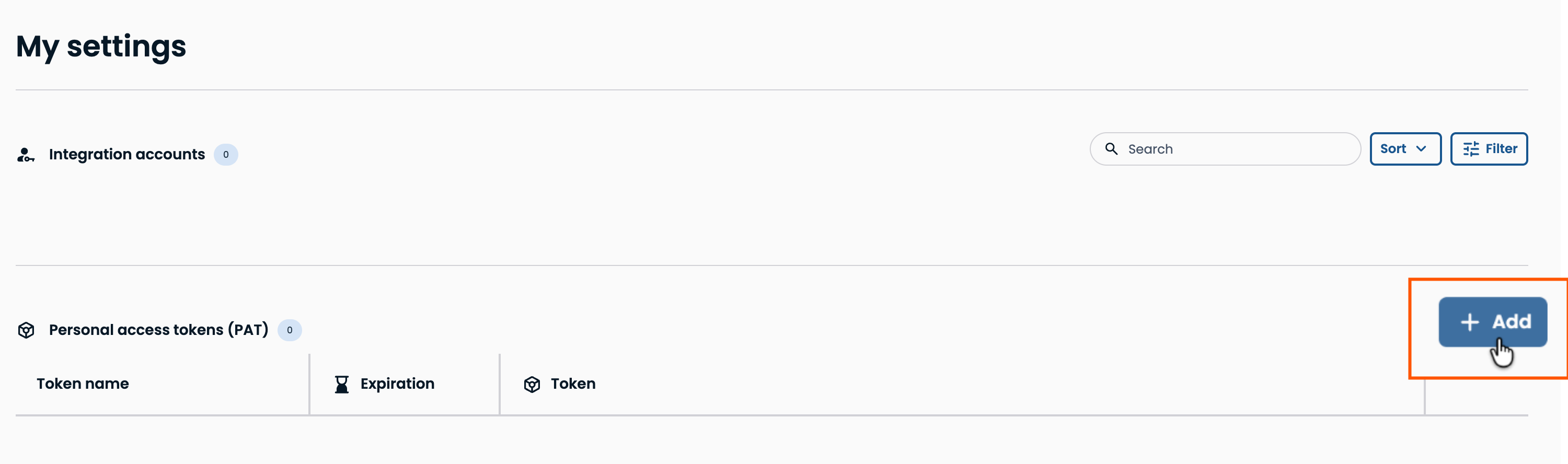
Next to Personal access tokens, click +Add.
-
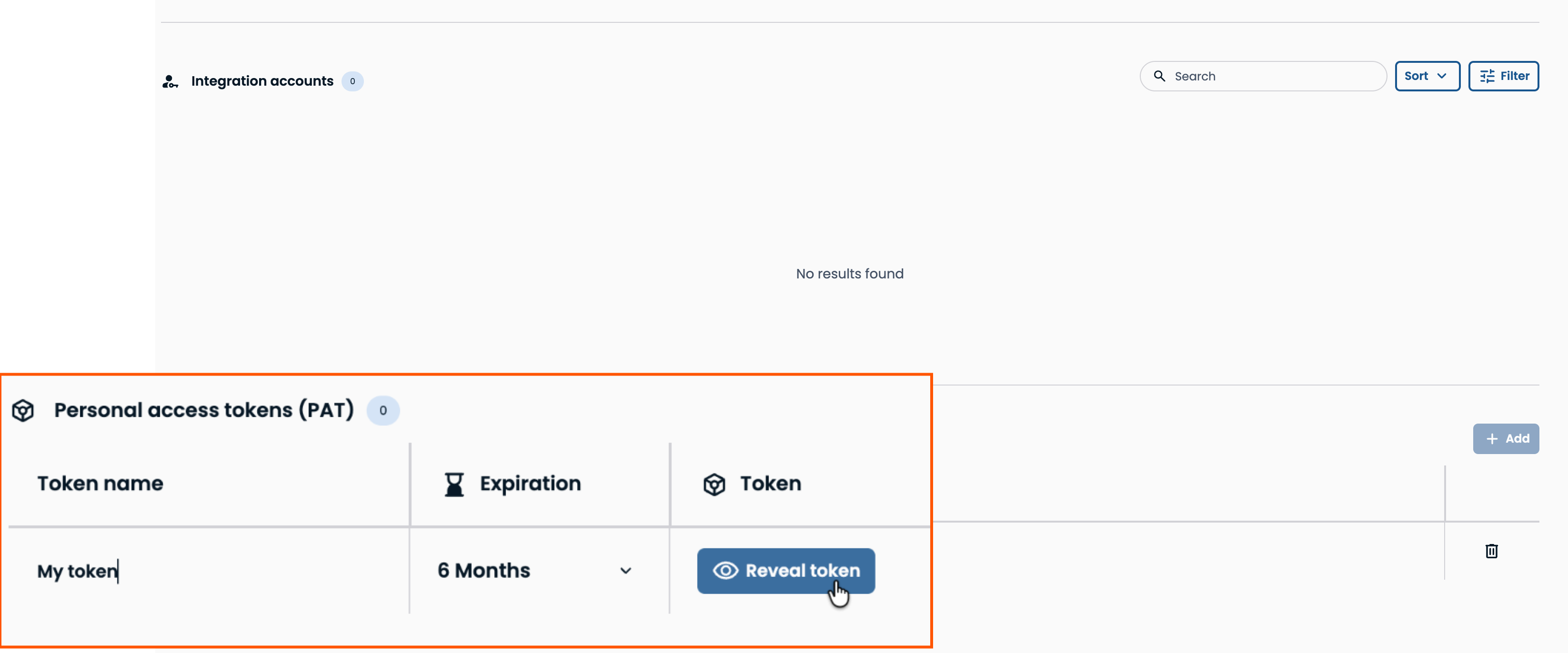
Enter a name for the token, select an expiration, then click Reveal to display and copy the token. You can only reveal the token once — after this, Entitle won't show it to you again.
Revoke a personal access token
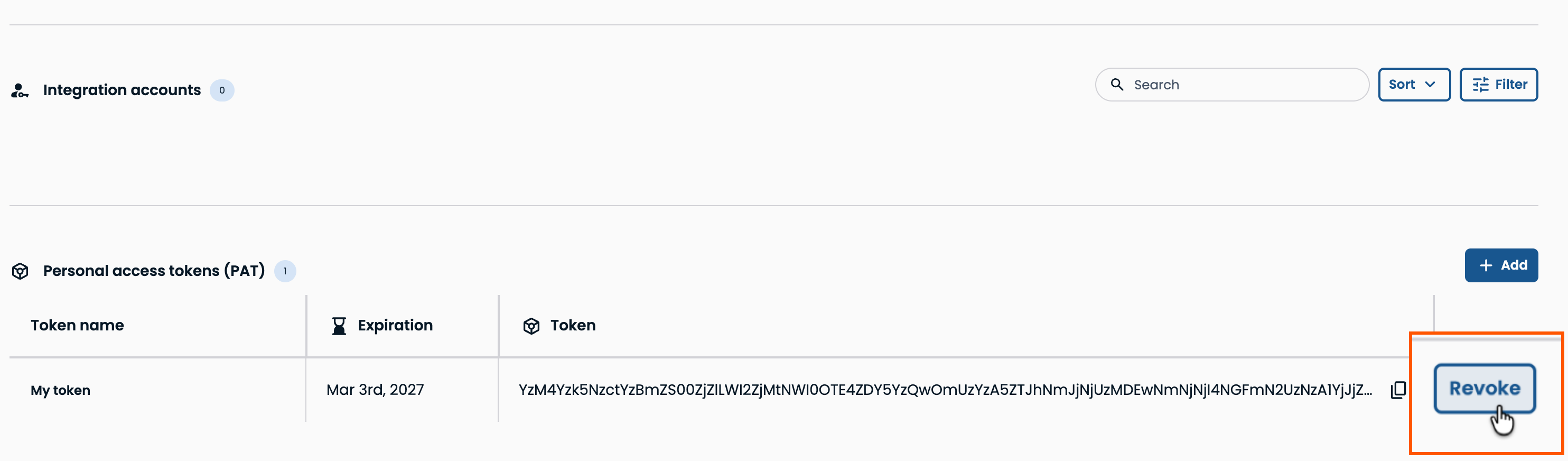
Once you reveal a PAT, a Revoke button appears for it. Store the token securely as soon as you copy it. If it's ever exposed, click Revoke to invalidate the token.
Updated about 2 months ago
Did this page help you?
