
Splunk On-Call | Entitle
Manage on-call-based access across your organization with Entitle and Splunk On-Call. With this integration, you can automatically identify who is currently on call based on your Splunk On-Call teams and escalation schedules, and use that data to drive dedicated approval workflows and policies — ensuring the right responders always have access to the right resources.
Prerequisites
- Entitle admin user
- Splunk On-Call admin user
- Splunk On-Call API ID
- Splunk On-Call API Key. Read-only permission.
Process
Get Splunk On-Call API ID and API key
The Splunk On-Call API ID identifies your organization and the API Key authenticates requests. A read-only key is sufficient for Entitle, which only reads your on-call schedules.
- In Splunk On-Call, go to Integrations > API, and copy the API ID.
- Create an API key and copy it.
Configure the integration in Entitle
-
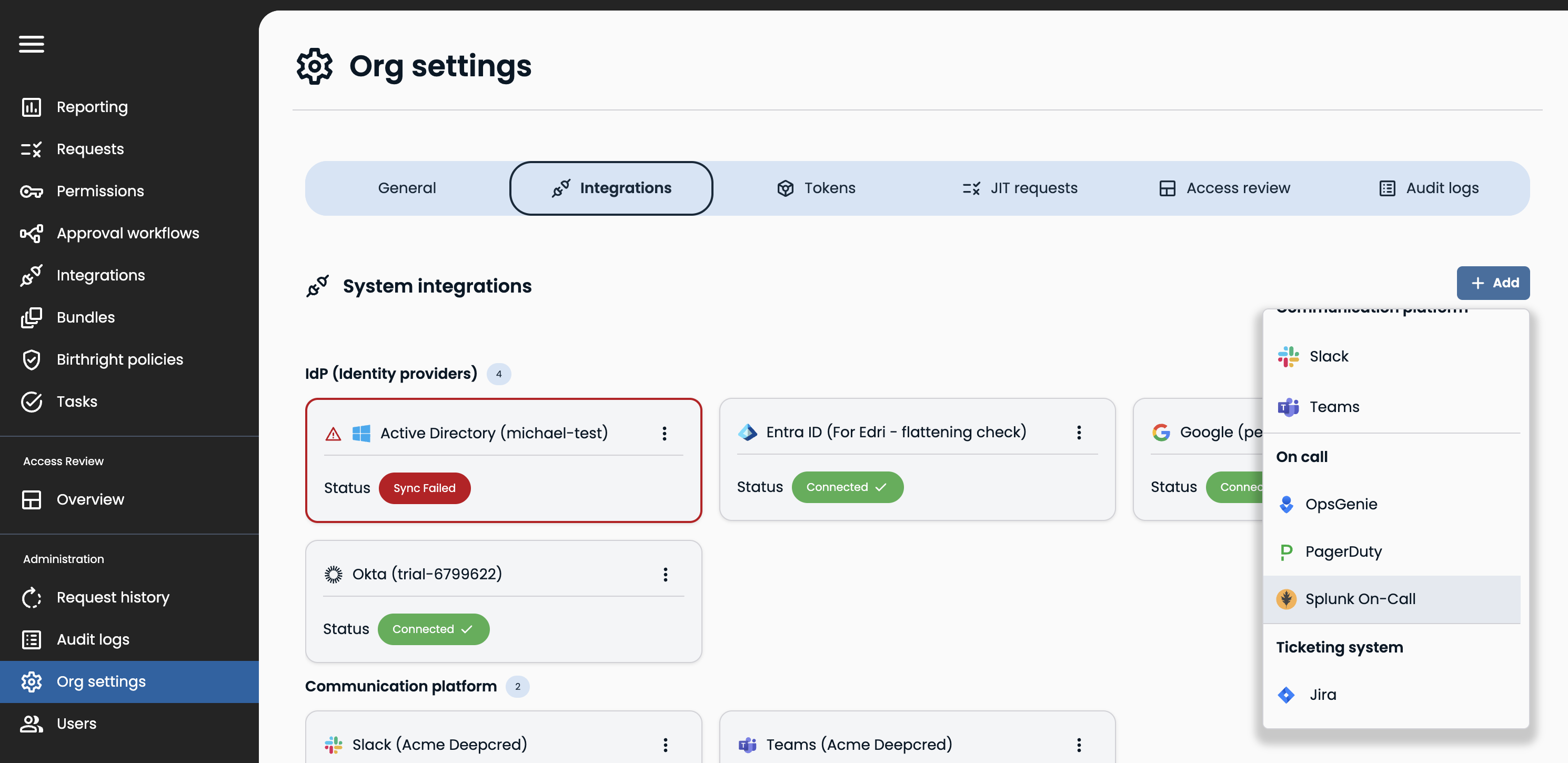
In Entitle, go to Org settings > Integrations. Click Add, then select Splunk On-Call.
-
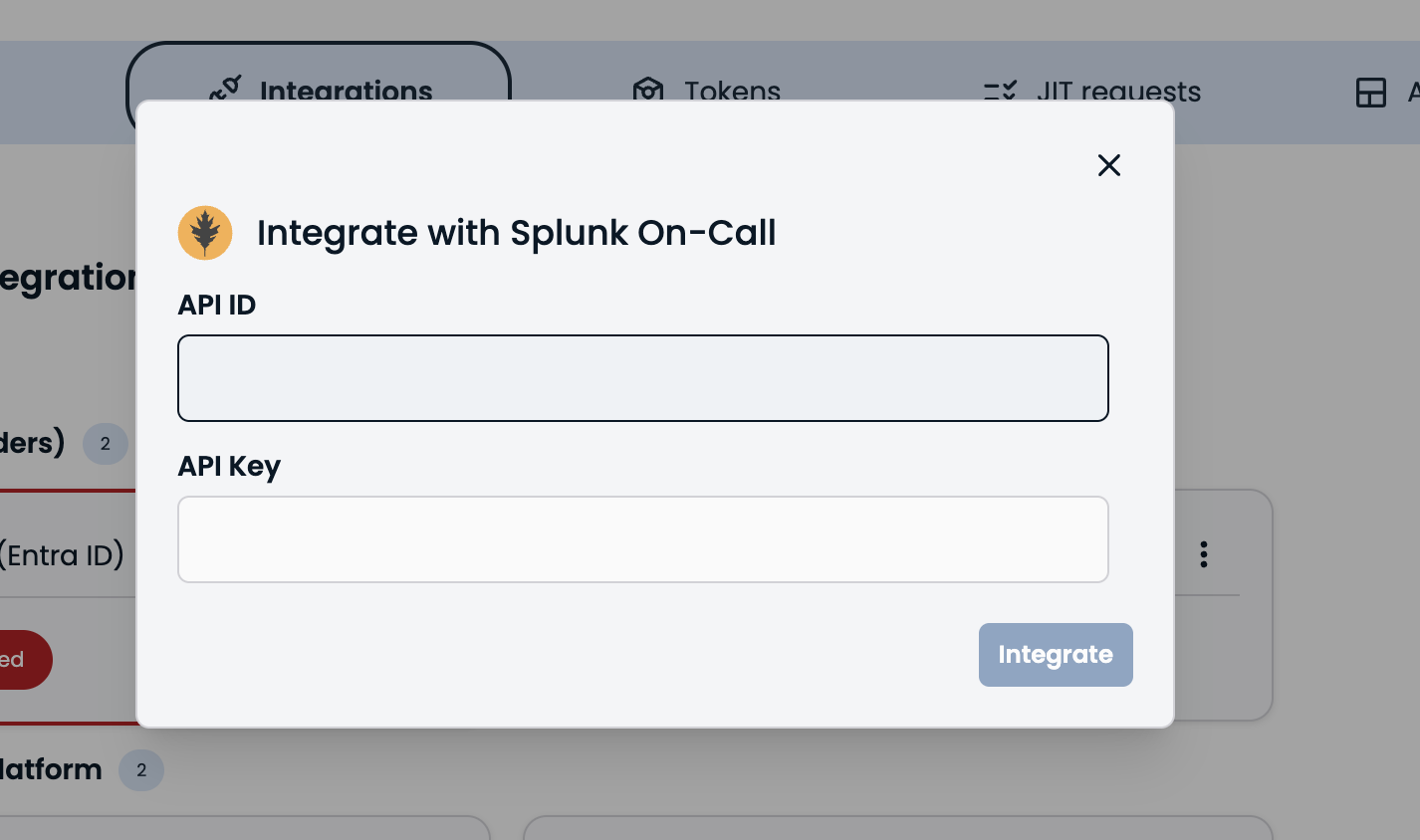
Enter the Splunk On-Call API ID and API Key, then click Integrate.
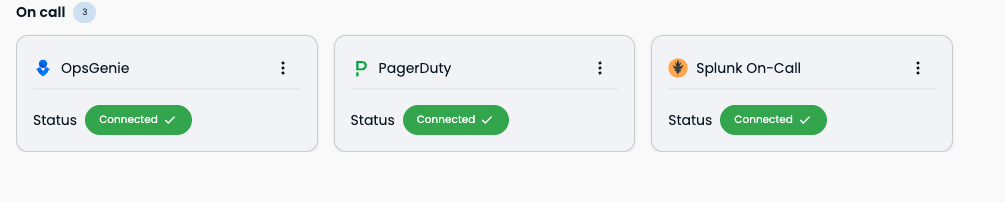
The integration is live when it appears in Org settings > Integrations under On call.
The connection can take up to a few minutes. A browser refresh may be required to see the changes. On-call integrations sync automatically at HH:05 and HH:35 each hour.
Updated 2 months ago
