
Asset Management | PRA On-prem
Formerly known as Jump
What is Asset Management?
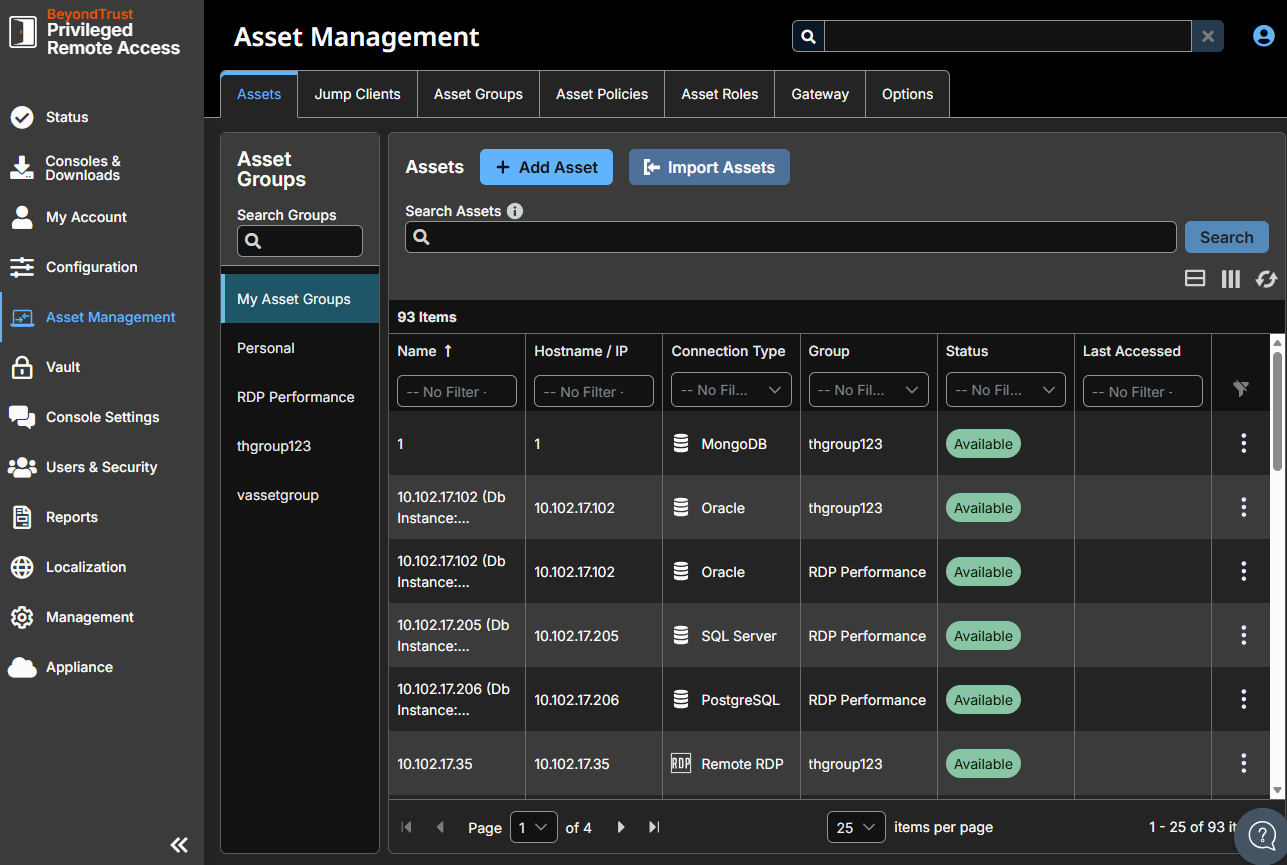
Asset Management is where administrators define the remote systems their users can reach and the conditions under which they can reach them. Its tabs cover how a connection is made (Jump Clients for agents installed on remote systems, Gateway for reaching endpoints on networks you cannot access directly), what can be accessed (Assets), how those Assets are organized (Asset Groups), who can access them and when (Asset Roles and Asset Policies), and how to run scripts across many endpoints at once without starting a session (Endpoint Automation).
How is Asset Management useful to my organization?
Asset Management gives administrators a single place to onboard remote systems and govern access to them, so connection methods, groupings, permissions, and access conditions stay consistent across your environment. Centralizing this work helps you enforce least-privilege access and maintain compliance without configuring each system individually.
How do I access the Assets page?
- Use a Chromium-based browser to sign in to your Privileged Remote Access URL.
This URL is provided in the BeyondTrust welcome email and includes your site URL followed by /login. - From the left menu, click Asset Management.
The Asset Management page opens and the Assets tab displays by default.
Updated about 2 months ago
