
System event viewer | PS Pathfinder
System event recording must be enabled (as above) to view events in the System Event Viewer.
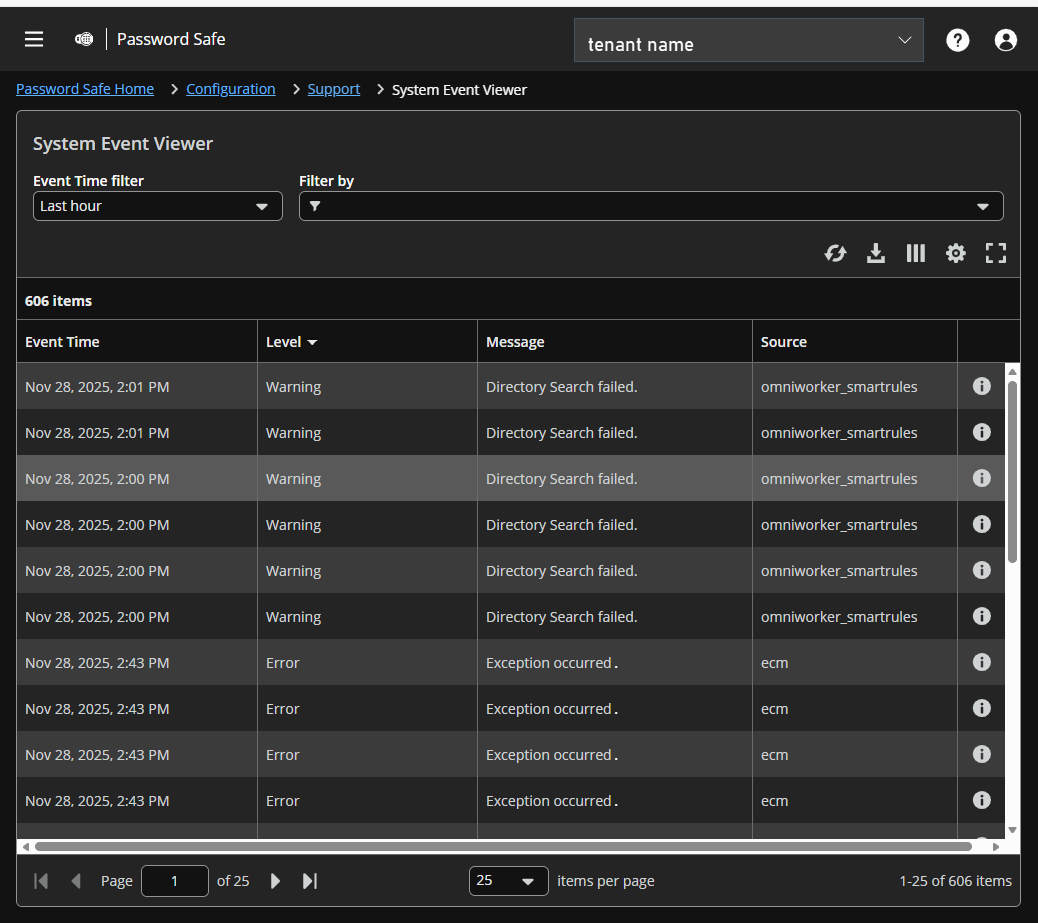
System Event Viewer page
Access the System Event Viewer
- At the top left of the page, click
 > Password Safe > Configuration.
The Configurationpage displays. You can also click the Configuration container card on the Password Safe page. - Under Support, select System Event Viewer.
The System Event Viewer page displays.
Configure the System Event Viewer
You can view recorded system events to assist with troubleshooting issues:
- This screen shows the events recorded and retained.
- The list of events can be filtered by Event Time. Additional filters can be added.
- Grid display preferences: Set display preferences on the Assets grid using the following options represented by icons above the grid:
- Click
 to refresh the list,
  to download the list to a .csv file,
  to select which columns to display on the page,
  to configure your page display, and
  to expand the grid.
- Click
- Sort any column by clicking on the heading. An arrow appears to indicate whether the sort is ascending or descending. Click again to reverse the sort.
- At the bottom of the list, you can page through the events and set the number to display per page.
- View the full log file entry for any event by clicking
 at the right end of the event row.
Updated 3 months ago
