
Okta SAML integration | Entitle
Overview
This guide is for creating IdP-initiated login flows to the Entitle web app through an Okta SAML application.
This use case is not applicable when Entitle operates as part of Pathfinder, as all authentication is handled through Pathfinder authentication. See Entitle on Pathfinder for more details.
Prerequisites
- Entitle Admin.
- Okta Admin.
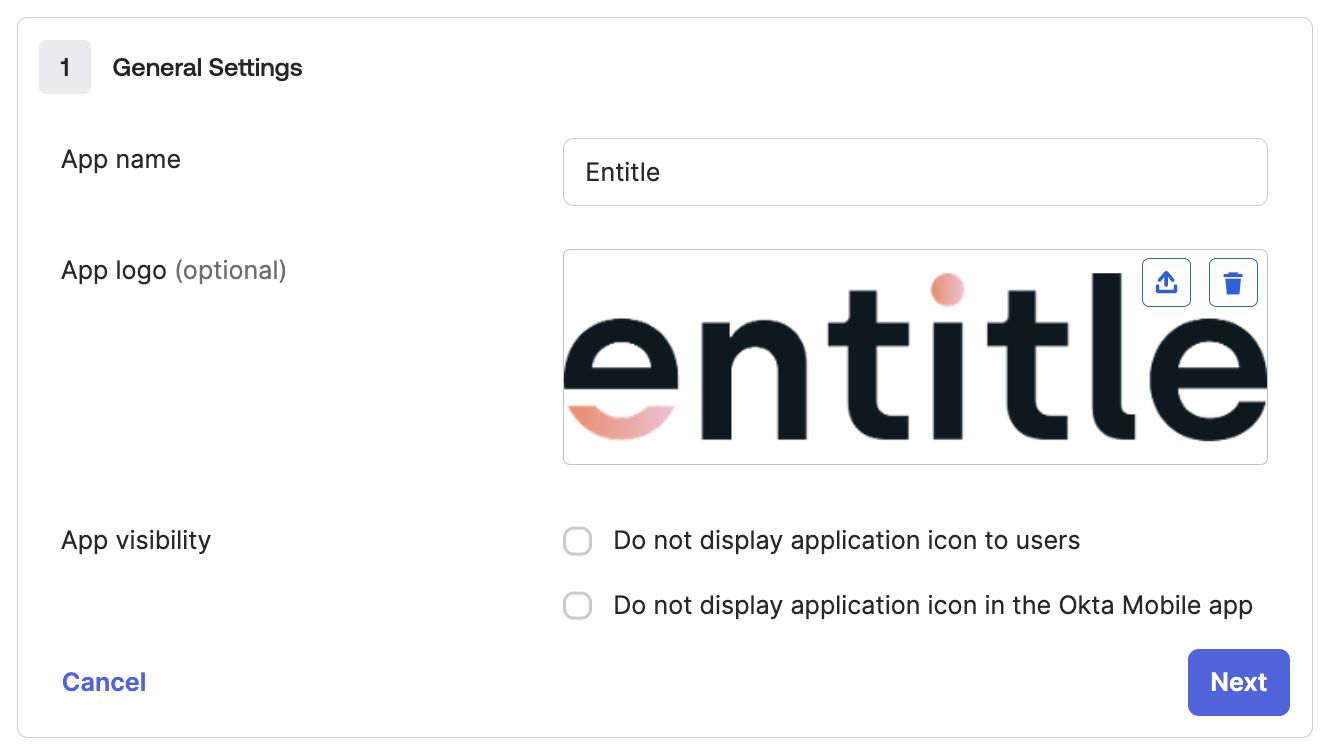
- Entitle's logo, is attached below:

Should you need to allowlist this integration, these are the IP address ranges from which Entitle's service reaches the integration:
- Entitle EU (Cloud deployment)
- 34.243.199.171
- 54.216.133.226
- Entitle US (Pathfinder deployment)
- 52.45.229.219
- 54.88.235.213
- 3.224.15.134
Set up Okta to authenticate in Entitle
- Log in to the Okta admin console.
- Select Applications and choose Create App Integration.
- Choose a SAML 2.0 application.
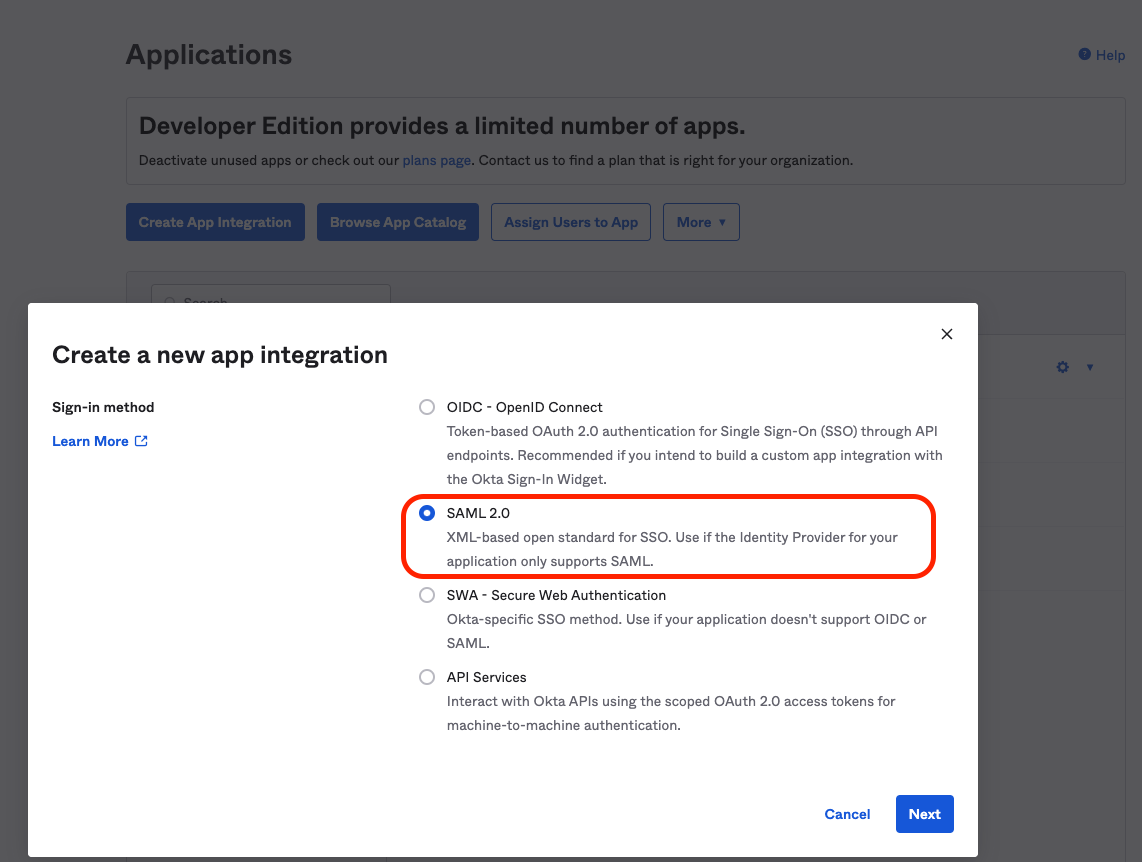
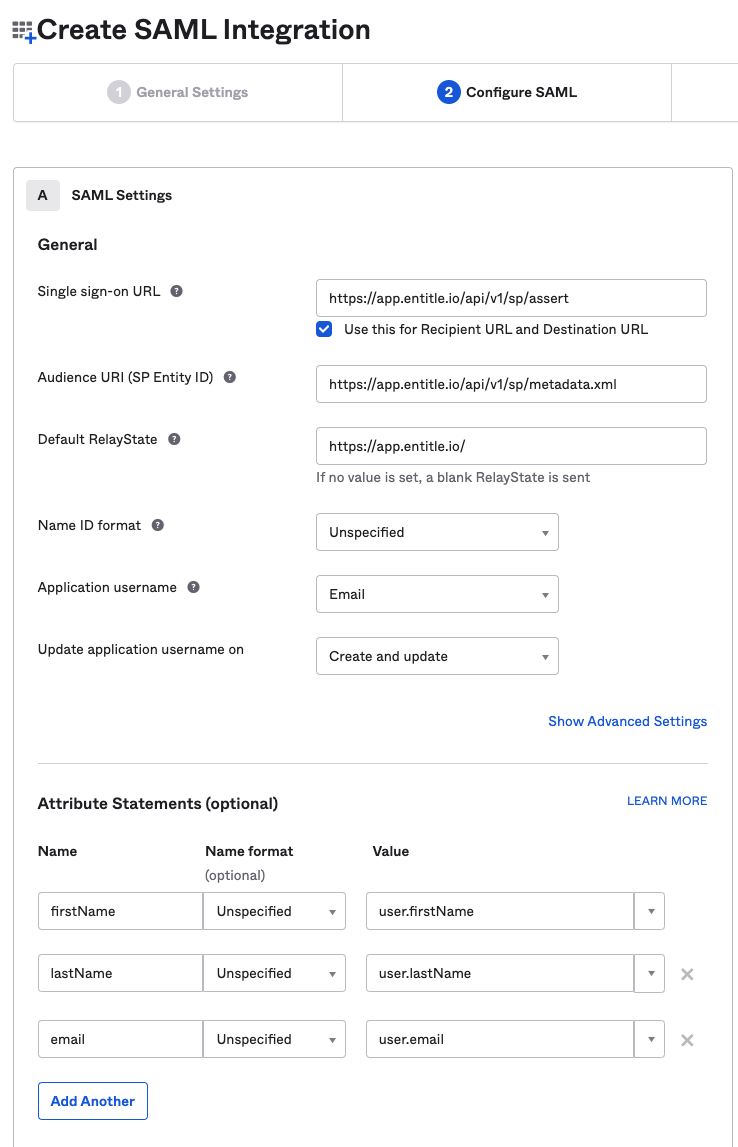
- Fill in the following in the forms in the App Configuration section:
{
"General Settings":
	{
	"App Name": "Entitle",
	"App Logo": "https://cdn2.securitysenses.com/sites/default/files/logos/entitle-logo.png",
	},
"SAML Settings":
	{
	"Single sign on URL": "https://app.entitle.io/api/v1/sp/assert",
	"Audience URI (SP Entity ID)": "https://app.entitle.io/api/v1/sp/metadata.xml",
	"Default RelayState": "https://app.entitle.io/",
	"Name ID format": "Unspecified",
	"Application username": "Email",
	"Update application username on": "Create and update"
	},
"Attribute Statements":
	{
	"firstName": "user.firstName",
	"lastName": "user.lastName",
	"email": "user.email"
	}
}
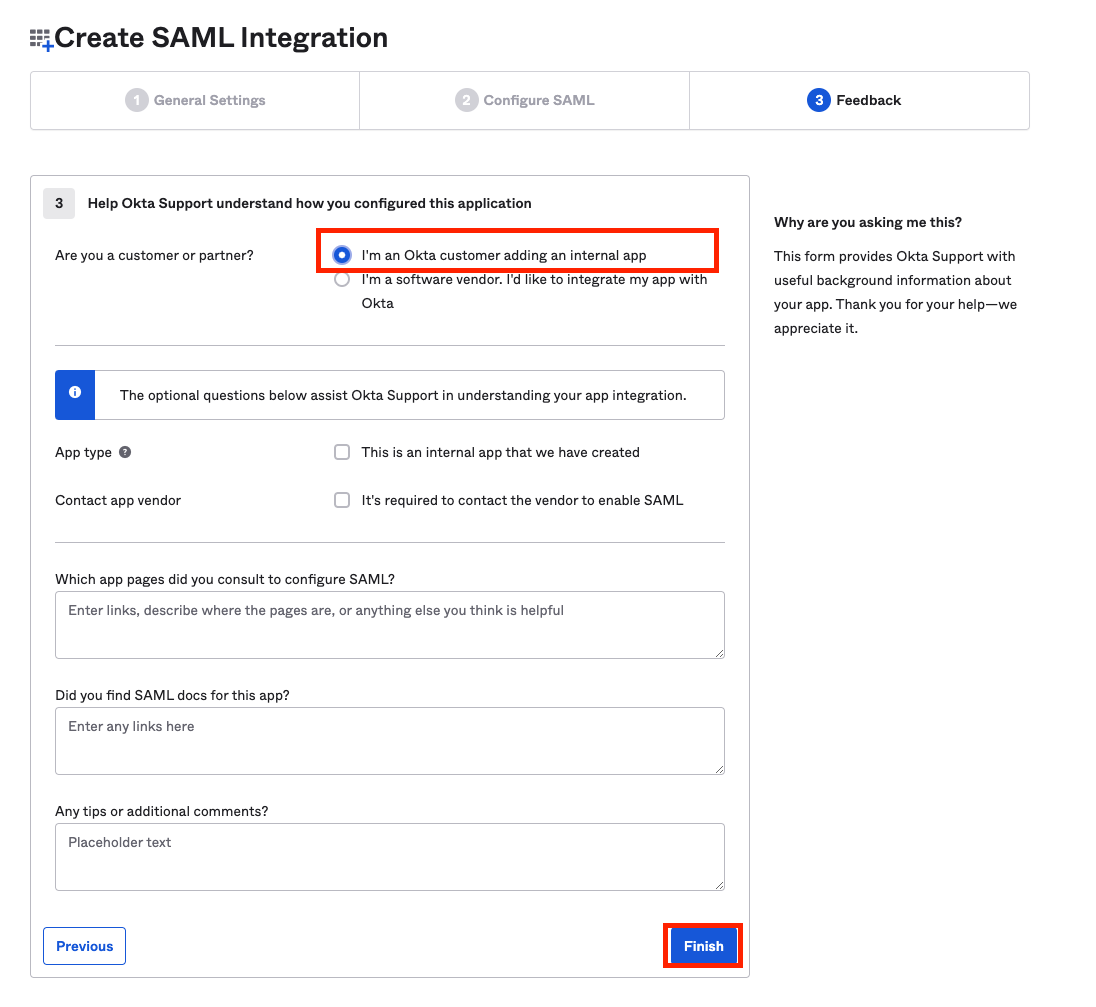
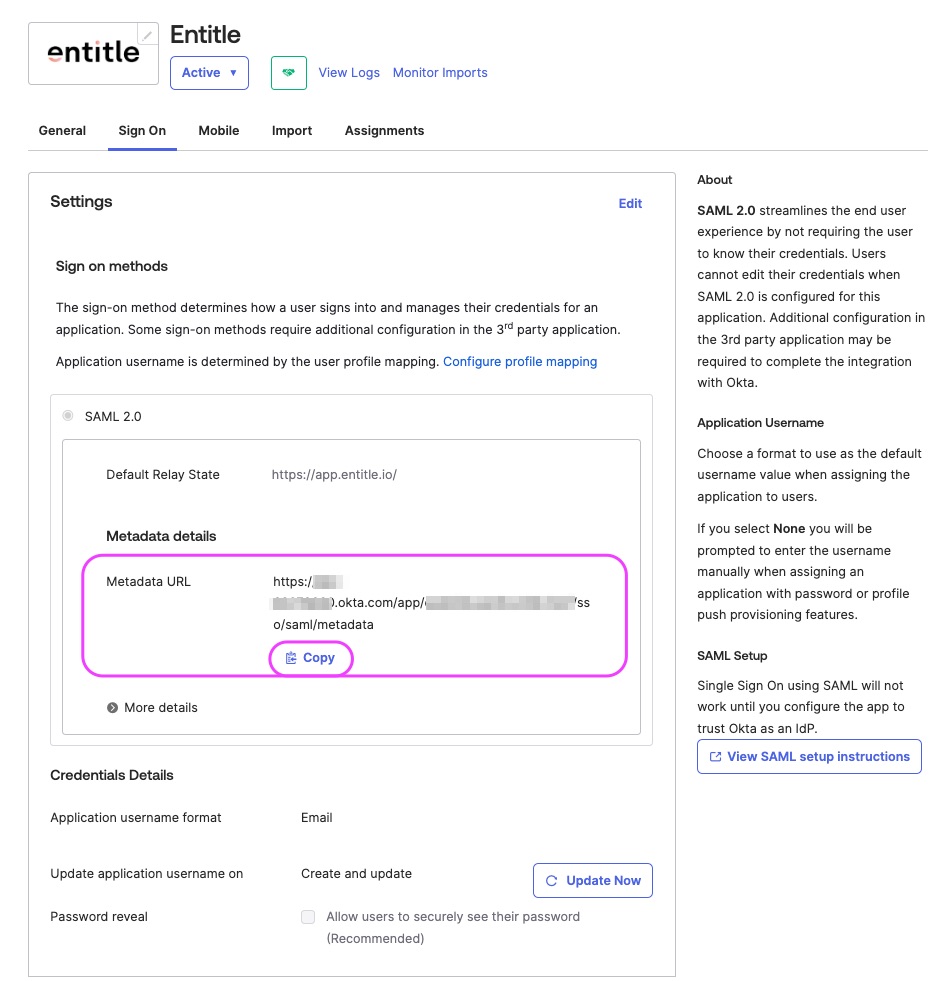
- Once created, navigate to the Sign On tab, and copy the Metadata URL.
Add Okta app to Entitle
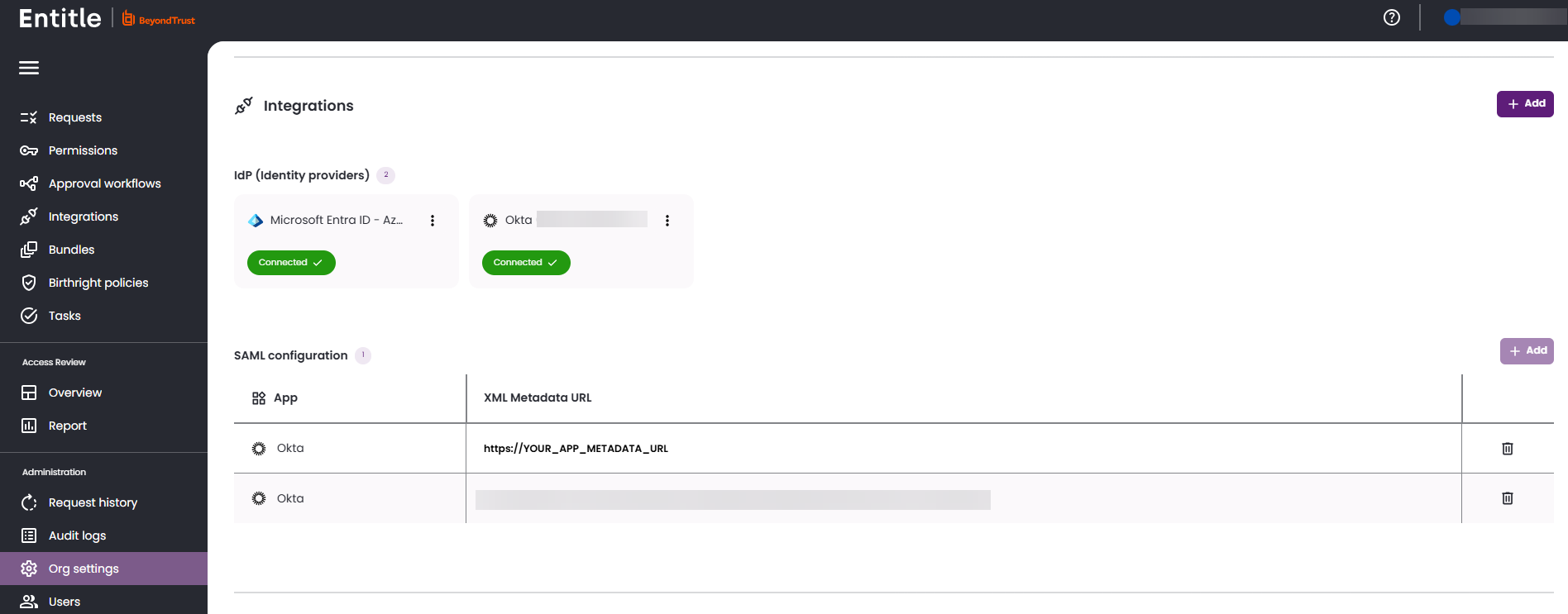
- Log in to Entitle and go to the Org Settings page.
- Under the Identity Providers, paste the URL to the metadata and click Save.
Test your Okta application
- Assign users or groups to the newly created Entitle app in Okta.
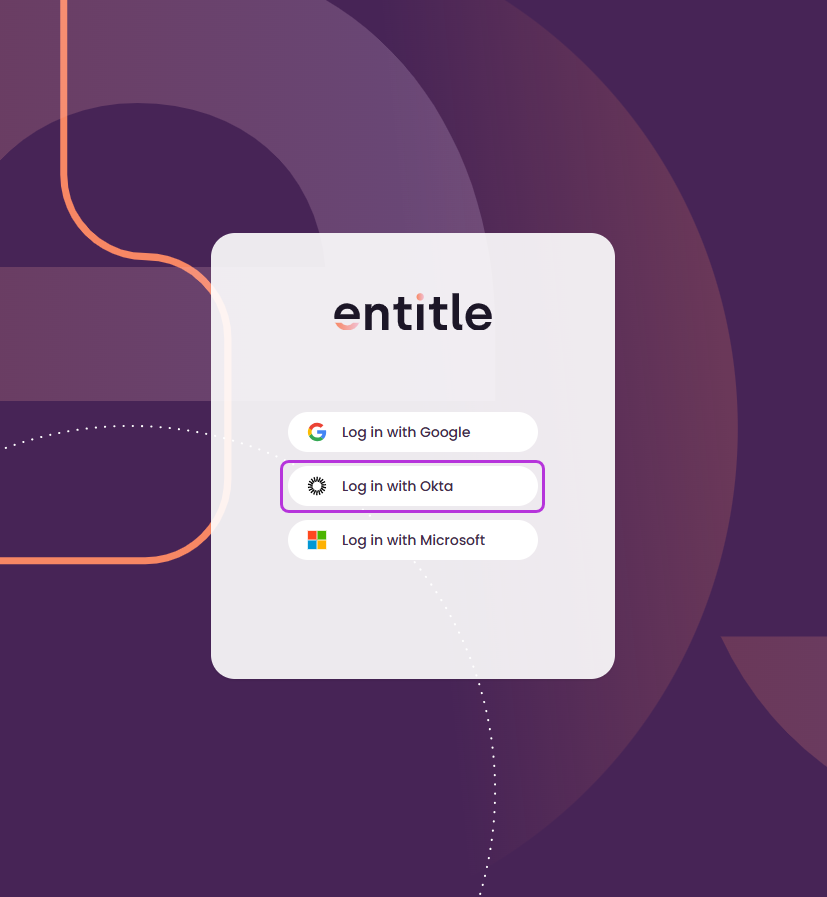
- Within a few minutes, you will be able to log in to Entitle with Okta, from the Entitle log in page.
Updated 7 days ago
