
Datadog | Entitle
It is highly recommended to create a service account for the purpose of integrating Datadog with Entitle.
If the permissions of the account that the API/app key were created from are changed - that might affect the functionality of the integration.
Adapter configuration structure
{
    "api_key": "{{YOUR_DATADOG_API_KEY}}",
    "app_key": "{{YOUR_DATADOG_APP_KEY}}",
    "host": "https://{{YOUR_DATADOG_DOMAIN}}" // example 'https://us5.datadoghq.com'
}
How to get the required credentials
Go to your Datadog host to the path:
https://{your-datadog-host}/organization-settings/users"api_key"
- In the sidebar, click API Keys.
- Click New Key in the top left corner.
- Insert entitle-api-key under Name and click Create Key.
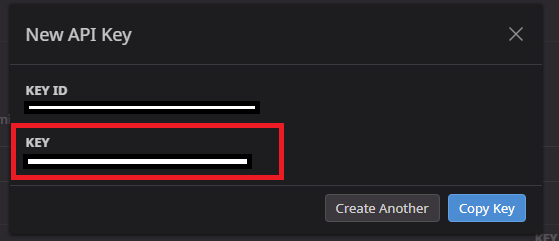
- Copy the Key. This is your api_key parameter:
"app_key"
- In the sidebar, click Application Keys.
- Click New Key in the top left corner.
- Insert entitle-app-key under Name and click Create Key.
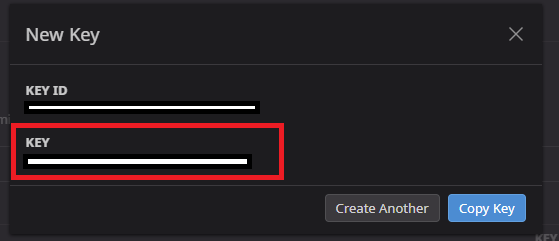
- Copy the Key. This is your app_key parameter:
Should you need to allowlist this integration, these are the IP address ranges from which Entitle's service reaches the integration:
- Entitle EU (Cloud deployment)
- 34.243.199.171
- 54.216.133.226
- Entitle US (Pathfinder deployment)
- 52.45.229.219
- 54.88.235.213
- 3.224.15.134
What's next?Make sure your setup is complete by testing your integration.
Updated about 21 hours ago
